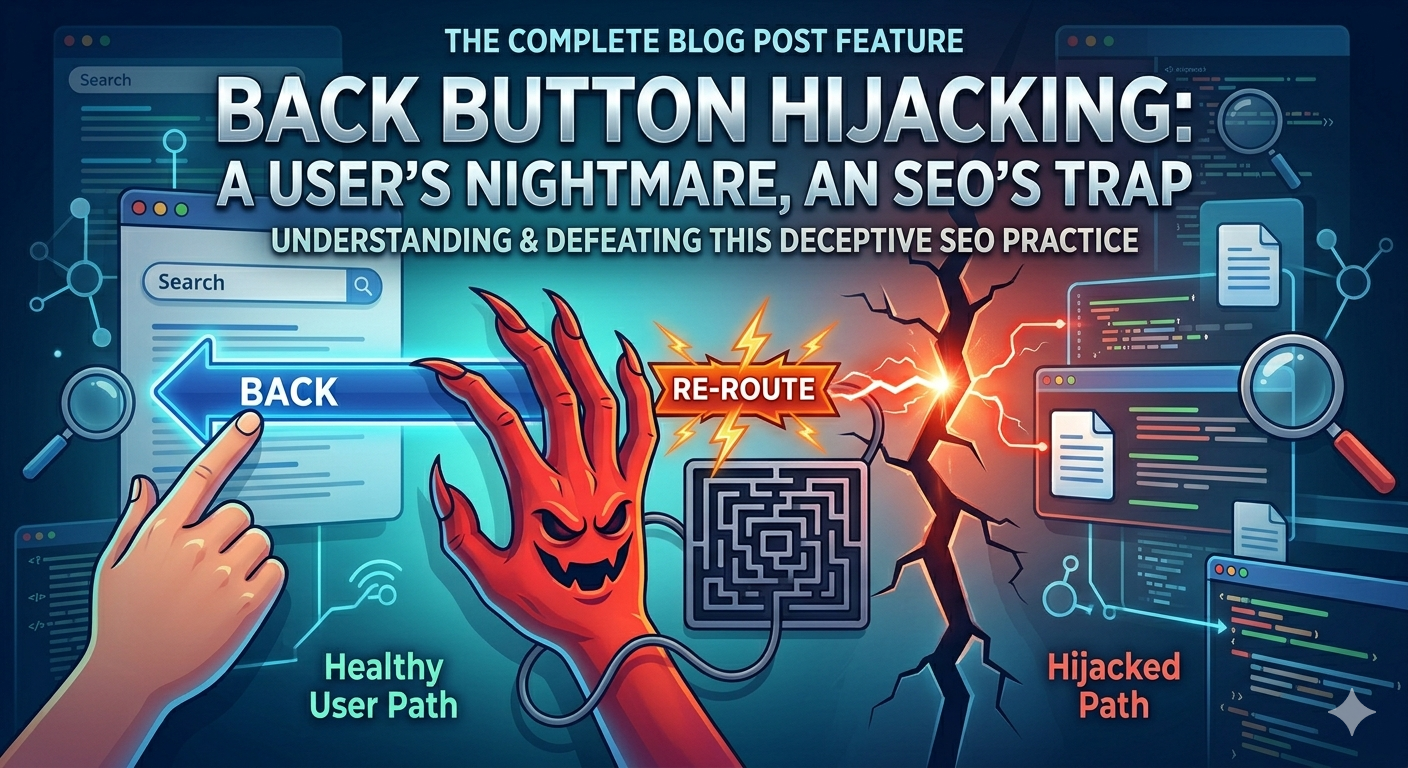
Have you ever clicked the back button on your browser and ended up on a page you never asked to visit? Or found yourself clicking back five, six, even ten times before you could escape a website? That frustrating experience has a name — back button hijacking — and Google just decided it has had enough of it.
On April 13, 2026, Google officially announced a brand-new spam policy targeting back button hijacking. Enforcement kicks in on June 15, 2026 — giving website owners just two months to fix the problem or face serious consequences in Google Search rankings.
What Is Back Button Hijacking?
Think of your browser history like a stack of cards. When you go from Google to a website, one card gets added to that stack. When you hit the back button, that card comes off and you return to Google. Back button hijacking happens when a website secretly adds extra cards to that stack — cards you never asked for. So instead of one click taking you back to Google, you are clicking back again and again through pages you never visited, ads you never asked to see, or recommendation feeds that just keep appearing. Real-life example: You search Google for “best running shoes,” click on a result, decide it’s not what you want, and hit back. Instead of returning to Google, you land on a page selling supplements. You hit back again. Now you’re on a deals page. You hit back a third time. You’re still not on Google. That is back button hijacking in action.
Why Is Google Taking Action Now?
Google says it has seen a clear rise in this type of behavior across the web. For years, back button hijacking was considered a “grey area” — annoying, but not directly punished by Google. Websites used it to inflate time-on-site numbers and keep users trapped so they would see more ads. But Google has now drawn a clear line. The practice is now officially classified under its “malicious practices” spam policy — the same category that includes malware and harmful software. Here is how Google explains it:
When a user clicks the ‘back’ button in the browser, they have a clear expectation: they want to return to the previous page. Back button hijacking breaks this fundamental expectation.” — Google Search Central
How Does Back Button Hijacking Actually Work?
Websites use JavaScript (specifically the browser’s History API) to add fake pages into your browser’s history. This was a tool originally designed for good reasons — like making web apps feel faster and smoother. But some websites started abusing it.
Common ways back button hijacking is used:
- Inserting fake pages into your browser history so you pass through ad pages when going back
- Redirecting you to a completely different website when you try to leave.
- Showing a recommendation feed or pop-up every time you click back.
- Making you click back five or more times before you can actually escape the page
- Sending you to another article or product page instead of back to the search results
Google also warned that sometimes this behavior does not come from the website itself. it may come from ad platforms, third-party scripts, or tools the website has added. Either way, the website owner is still responsible.
What Happens If You Get Caught?
Google is not messing around with this one. Websites found to be using back button hijacking after June 15, 2026 can face two types of penalties:
- Manual Spam Action: A real human at Google reviews your site and manually applies a penalty. This can wipe out your rankings overnight.
- Automated Demotion: Google’s algorithm automatically lowers your position in search results. You may not even get a notification.
Both types of penalties can seriously hurt your website’s traffic. If you rely on Google for visitors, this is not something you can afford to ignore.
What Is NOT Back Button Hijacking?
It is important to understand what Google is not targeting. Not every back button interaction is hijacking. Here are things that are perfectly fine:
- A pop-up that says “You have unsaved changes are you sure you want to leave?” (This protects users from losing data, and clearly gives them a choice.
- Single-page web apps like Gmail or Google Docs that use the History API to switch between sections without reloading the page
- Standard 301 redirects that send users from an old URL to a new one for website maintenance
- Exit-intent pop-ups that give users a discount or message before they leave — as long as the back button still works normally after
The key difference is choice and honesty. If a feature gives the user control and is transparent about what it does, it is fine. If it removes user control and works by deception, it is hijacking.
How to Check and Fix Your Website
You still have time to fix this before June 15, 2026. Here is a simple checklist:
- Open your website and press the back button see where it takes you. Does it go straight back to the previous page?
- Check your JavaScript code for History API manipulation (look for pushState or replaceState being used in tricky ways)
- Review every ad network and third-party script running on your site — some advertising platforms are known to add hijacking behavior
- Talk to your development team about auditing all libraries and plugins
Remove or disable any code that inserts pages into browser history without the user requesting it
If the problem is coming from an ad platform you use, contact them immediately and ask them to stop this behavior or consider switching to a different platform.
The Bigger Picture: Google’s Push for Better User Experience
This new policy is part of a larger pattern. Over the last few years, Google has been cracking down on anything that feels deceptive to users fake reviews, keyword stuffing, thin content, spammy links, and now back button hijacking.
Google’s message is clear: if your website tricks people, manipulates them, or makes them feel trapped, it will be penalized. The websites that will win in search are the ones that genuinely help users and respect their time and choices.
As Google put it: “People report feeling manipulated and eventually less willing to visit unfamiliar sites.” When users feel unsafe or annoyed, they stop trusting the web and that is bad for everyone, including Google itself.
Final Thoughts: Act Now, Not Later
Google has given a rare two-month warning before this policy kicks in. That is actually generous most updates happen without any notice at all. Use this time wisely. If your website is using any form of back button hijacking whether intentionally or through a third-party script you did not know about now is the time to find it and fix it. The deadline is June 15, 2026. Do not wait until June 14.
The simplest rule to remember: when someone wants to leave your website, let them. A user who leaves and comes back because your content is genuinely good is worth more than a user you trapped for thirty seconds